Character Interaction UI Animation
Playful and interactive character-driven interface design.
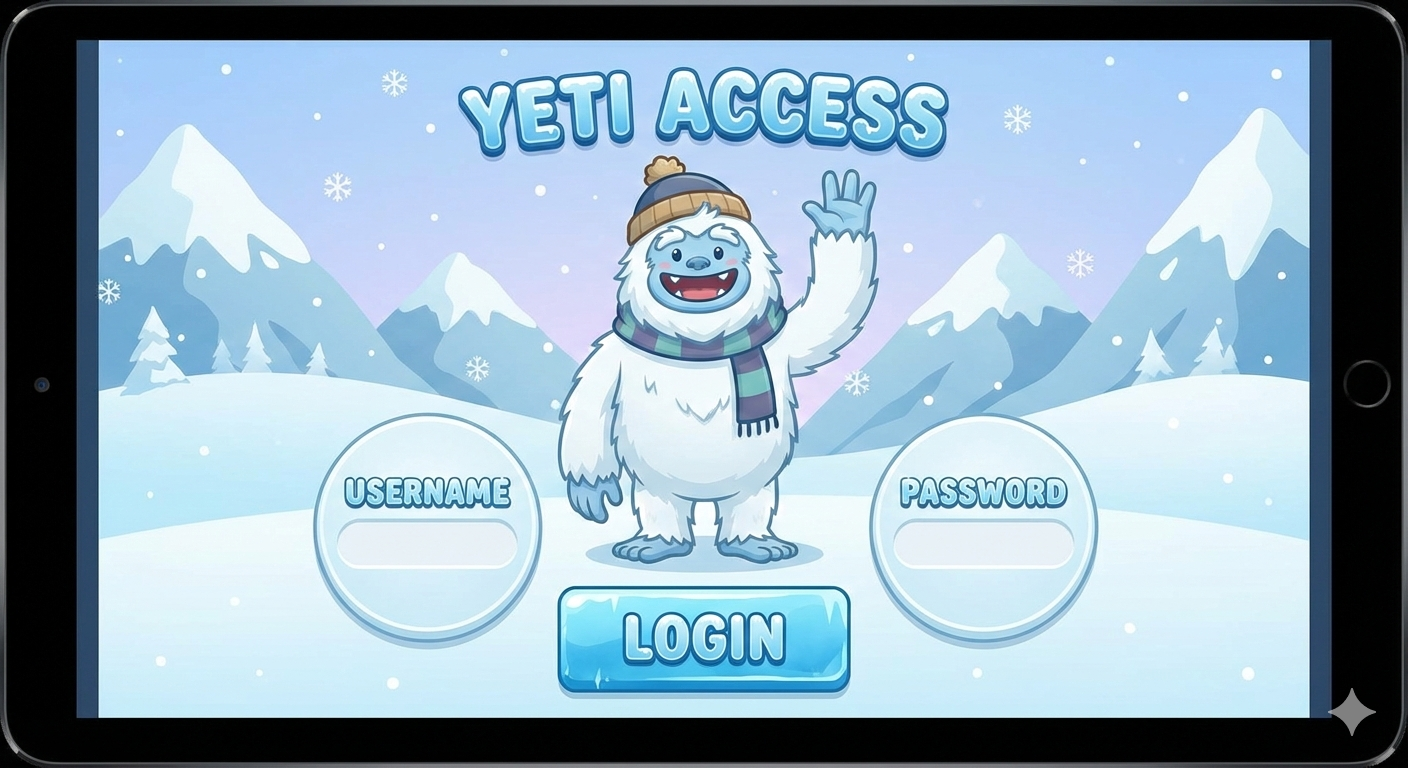
Project Overview
A cute and friendly animated character that reacts to user input. This project demonstrates modern interactive design with soft colors, rounded corners, and smooth character animation style. Perfect for onboarding flows and engaging user experiences.
- Dynamic Face Tracking
- Character Animation
- Playful User Feedback
- GSAP / CSS Animations
- Clean Pastel Theme
- Interactive SVG yeti
📄 index.html
How HTML Works:
The Yeti is a complex SVG structure with various parts (ears, eyes, arms, mouth) defined as
individual groups <g> for animation control.
<svg class="mySVG" viewBox="0 0 200 200">
  <g class="body">...</g>
  <g class="earL">...</g>
  <g class="eyeL">...</g>
  <g class="mouth">...</g>
  <g class="arms">
    <g class="armL">...</g>
    <g class="armR">...</g>
  </g>
</svg>
🎨 style.css
How CSS Works:
The form is styled for a clean, professional look. The .svgContainer uses a hidden
overflow and specific border radius to frame the Yeti's head.
form .svgContainer {
  position: relative;
  width: 200px;
  height: 200px;
  margin: 0 auto 1em;
  border-radius: 50%;
}

form input[type=password]:focus ~ .label {
  /* Trigger eyes cover interaction */
}
⚙️ script.js
How JavaScript Works:
Using **GSAP**, the arms move up to cover the eyes when the password field is focused. The face also tracks the caret position in the email field for a "watching" effect.
function coverEyes() {
  gsap.to(armL, .45, { x: -93, y: 10, rotation: 0, ease: "quad.out" });
  gsap.to(armR, .45, { x: -93, y: 10, rotation: 0, ease: "quad.out", delay: .1 });
  eyesCovered = true;
}

function calculateFaceMove(e) {
  // Logic to move eyes based on input text length
}
How Everything Works Together
1. SVG Architecture: Every part of the Yeti is an individual SVG element, allowing us to manipulate arms, eyes, and mouth independently via code.
2. GSAP Animations: The **Greensock (GSAP)** library is used for high-performance property interpolation, ensuring the Yeti's movements feel smooth and natural.
3. Input Tracking: JavaScript listens to input events to update the
Yeti's facial expression and "eye-focus" based on the text length.
4. State Management: focus and blur events trigger the
"shameful" eye-covering animation when the user moves to the password field.