Cyber-Theme Terminal Interface
Matrix-inspired interactive dashboard/console design.
Project Overview
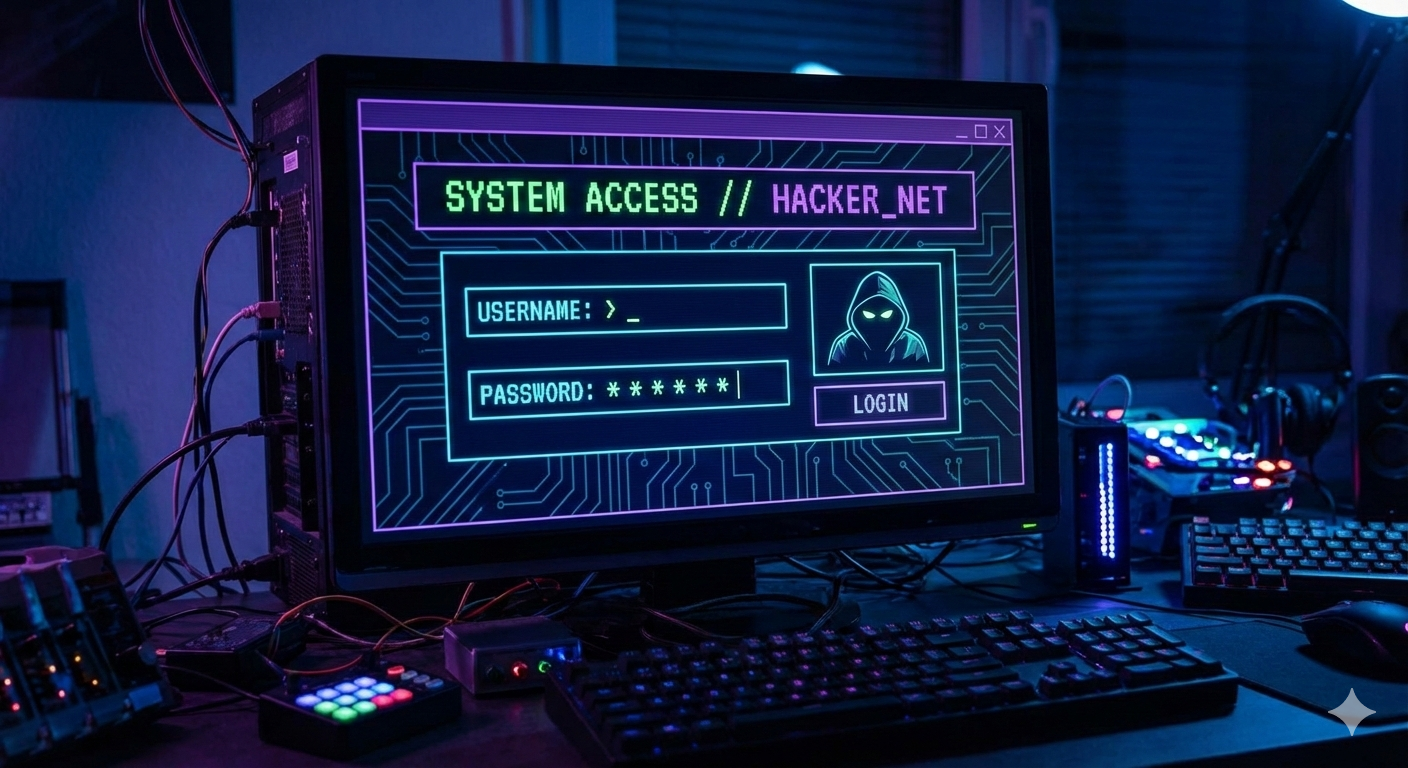
An interactive terminal-themed dashboard with a dark cyberpunk aesthetic. Features a matrix-style green glowing background, digital glitch transitions, and high-tech command center interface elements.
- Matrix Rain Effect
- Cyberpunk Elements
- Glowing Typography
- Glitch Transitions
- Custom Security Icons
- Dark Mode Optimized
📄 index.html
How HTML Works:
The HTML features multiple span elements that act as the background grid for the matrix
effect. The central .signin box contains the stylized authentication form.
<section>
  <span></span>
  <span></span>
  ... (hundreds of spans for background)
  <div class="signin">
    <div class="content">
      <h2>Terminal Access</h2>
      <div class="form">
        <div class="inputBox">
          <input type="text" required />
          <i>Access ID</i>
        </div>
        ...
      </div>
    </div>
  </div>
</section>
🎨 style.css
How CSS Works:
The matrix rain is simulated using a linear gradient animation on the section::before
pseudo-element. The grid spans change color on hover for an interactive digital feel.
section::before {
  content: "";
  position: absolute;
  width: 100%;
  height: 100%;
  background: linear-gradient(#000, #0f0, #000);
  animation: animate 5s linear infinite;
}

@keyframes animate {
  0% { transform: translateY(-100%); }
  100% { transform: translateY(100%); }
}

section span:hover {
  background: #0f0;
  transition: 0s;
}
How Everything Works Together
1. Dynamic Grid: Hundreds of span elements are used to create a
responsive grid background that reacts to mouse movement.
2. Matrix Animation: The animate keyframes on the central container's
pseudo-element create the falling green rain effect.
3. Glowing UI: CSS box-shadow and high-contrast green text
(#0f0) provide the signature "terminal" aesthetic.
4. Interactivity: Individual grid cells transition to green instantly on hover, leaving a temporary trail like a real console glitch.