The Cube - 3D Puzzle Game
Project Overview
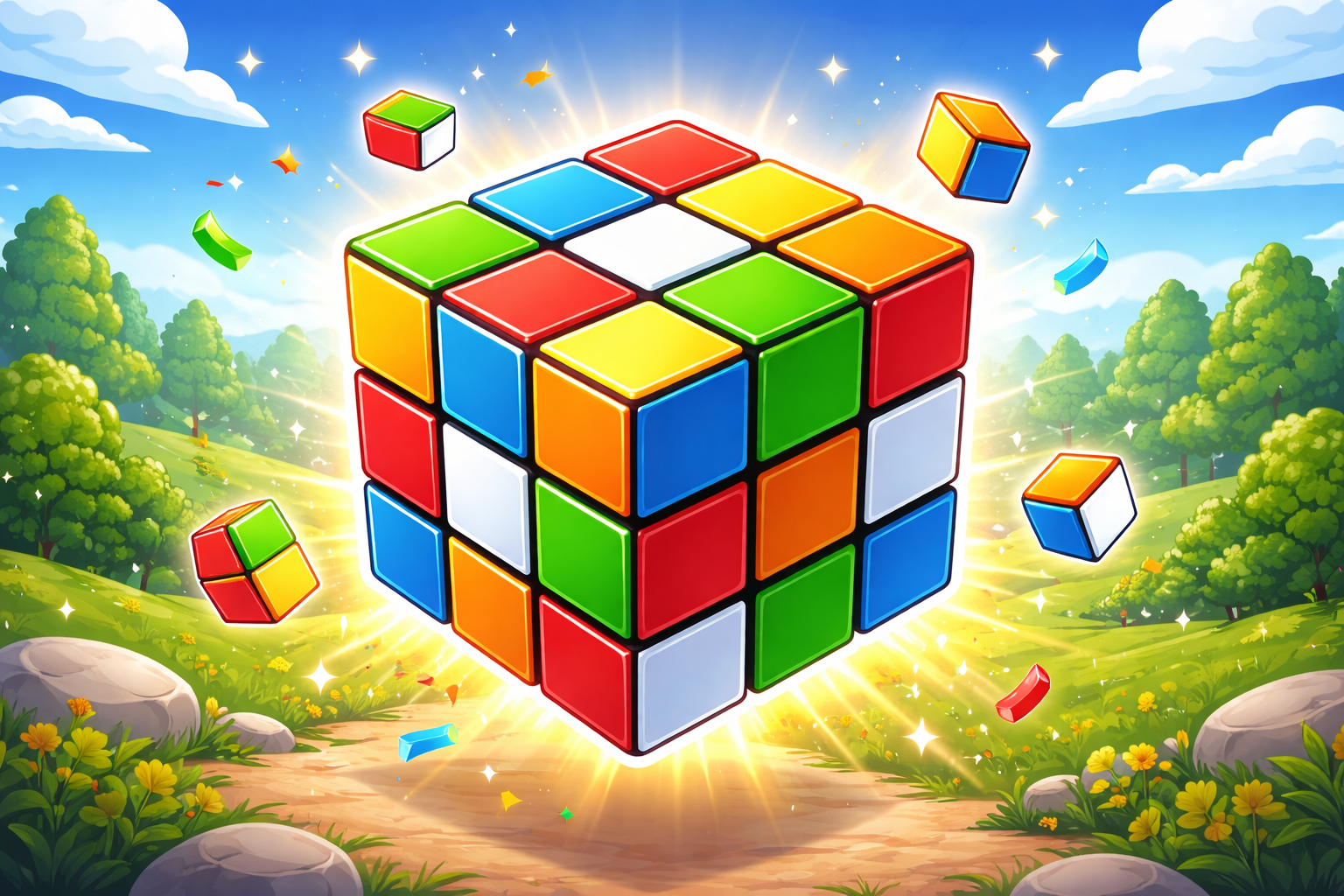
An interactive 3D Rubik's Cube puzzle game built with vanilla JavaScript and WebGL. This project demonstrates advanced 3D graphics, animation engines, touch interactions, and state management. Players can solve the cube with different difficulty levels and themes.
Key Features:
- 3D cube rendering with WebGL
- Multiple difficulty levels (2x2 to 5x5)
- Smooth animations and transitions
- Touch and mouse controls
- Timer and scoring system
- Multiple color themes
- Statistics tracking
- Customizable camera angles
📄 index.html - 3D Game UI Structure
How HTML Works:
The HTML creates the UI framework for the 3D cube game. It includes the game canvas container, text overlays for titles and stats, interactive controls for difficulty settings, timer display, and theme customization options. The structure uses semantic elements and data attributes for easy JavaScript targeting.
<div class="ui">
  <!-- Background with gradient and particles -->
  <div class="ui__background">
    <div class="background__gradient"></div>
    <div class="background__particles"></div>
  </div>

  <!-- 3D Game Canvas -->
  <div class="ui__game"></div>

  <!-- Text Overlays -->
  <div class="ui__texts">
    <h1 class="text text--title">
      <span class="title__word">THE</span>
      <span class="title__word">CUBE</span>
    </h1>
    <div class="text text--note">Double tap to start</div>
    <div class="text text--timer">
      <span class="timer__display">0:00</span>
      <div class="timer__indicator"></div>
    </div>
    <div class="text text--complete">
      <div class="complete__badge">
        <span>Complete!</span>
        <div class="badge__sparkles"></div>
      </div>
    </div>
  </div>

  <!-- Game Settings/Preferences -->
  <div class="ui__prefs">
    <range name="size" title="Cube Size" list="2,3,4,5"></range>
    <range name="flip" title="Flip Type" list="Swift ,Smooth,Bounce"></range>
    <range name="scramble" title="Scramble Length" list="20,25,30"></range>
    <range name="fov" title="Camera Angle" list="Ortographic,Perspective"></range>
    <range name="theme" title="Color Scheme" list="Cube,Erno,Dust,Camo,Rain"></range>
  </div>

  <!-- Statistics Display -->
  <div class="ui__stats">
    <div class="stats" name="cube-size">
      <i>Cube:</i><b>3x3x3</b>
    </div>
    <div class="stats" name="total-solves">
      <i>Total solves:</i><b>-</b>
    </div>
    <div class="stats" name="best-time">
      <i>Best time:</i><b>-</b>
    </div>
  </div>
</div>
🎨 style.sass - 3D Game Styling
How SASS Works:
SASS provides advanced styling with variables, mixins, and nested selectors. Creates a responsive layout for the 3D game canvas, styles UI elements for settings and controls, and provides theme color schemes. Uses CSS Grid/Flexbox for positioning, animations for UI transitions, and media queries for mobile responsiveness.
⚙️ script.js - Advanced 3D Game Logic
How JavaScript Works:
JavaScript handles all game logic: 3D cube rendering using WebGL, animation engine for smooth transitions, touch/mouse event handling for user input, cube state management, timer functionality, and theme switching. Uses request animation frame for 60fps rendering and complex matrix transformations for 3D rotations.
How Everything Works Together
1. HTML Structure: Provides semantic layout for the game UI, canvas container for 3D rendering, control elements for game settings, and text overlays for information display.
2. SASS Styling: Creates responsive layout, styles interactive controls, applies theme colors and animations, positions UI elements using absolute positioning and flexbox.
3. JavaScript 3D Engine: Renders 3D cube using WebGL, handles matrix transformations for rotations, manages animation frames for smooth 60fps gameplay, processes touch and mouse events for player input.
4. Game Loop: Animation engine continuously updates cube state → Applies player rotations → Renders 3D graphics → Checks win condition → Updates timer and statistics → Records best times.
5. State Management: Tracks cube configuration, move count, timer, best times in localStorage for persistence across sessions.