← Back to Home

Stack Game - Professional Edition
Category: Game Development
Date: 2026
Technology: HTML, CSS, Canvas, JavaScript
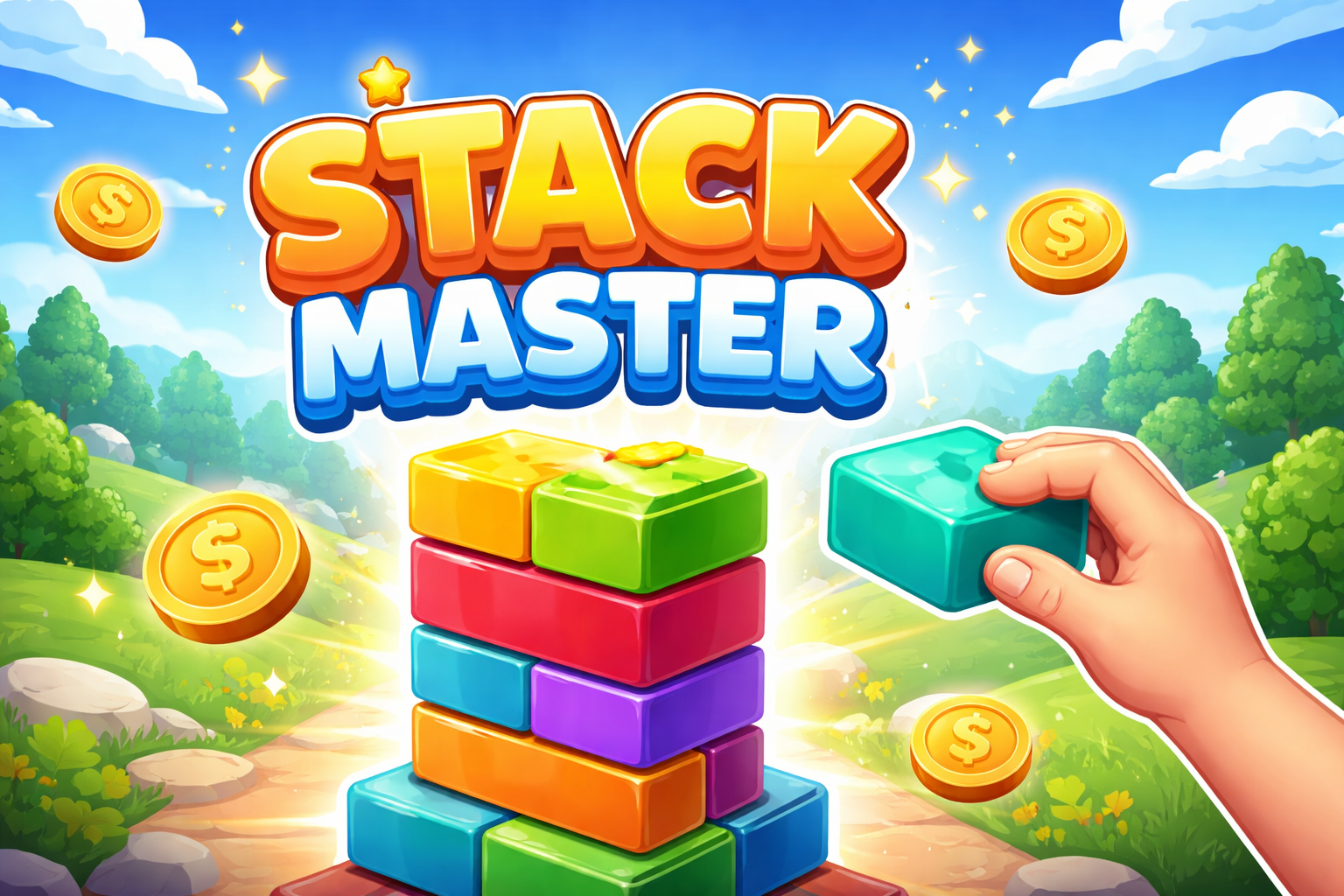
Stack Game Banner

Project Overview

An engaging stacking game built with vanilla JavaScript and HTML5 Canvas. Players stack blocks on top of each other with the goal of reaching blue-colored blocks. This project demonstrates game physics, collision detection, and interactive gameplay mechanics.

Key Features:

Play Game →

📄 index.html - Game Structure

How HTML Works:

The HTML creates the game layout with instructions modal and results modal. The game canvas is where the actual game renders. Modals provide UI for instructions, results, and game controls.

<!DOCTYPE html> <html lang="en"> <head> <meta charset="UTF-8"> <meta name="viewport" content="width=device-width, initial-scale=1.0"> <title>Stack Game</title> <link rel="stylesheet" href="./style.css"> </head> <body> <div id="overlay"></div> <div id="instructions"> <div class="modal-content"> <h1 class="title">🎮 Stack Game</h1> <div class="divider"></div> <div class="instructions-grid"> <div class="instruction-item"> <span class="icon">🏗️</span> <p><strong>Objective:</strong> Stack blocks on top of each other</p> </div> <!-- More instructions --> </div> <button id="startBtn" class="btn btn-primary">Start Game</button> </div> </div> <canvas id="gameCanvas"></canvas> <div id="results"> <div class="modal-content"> <h2 class="result-title">Game Over</h2> <div class="result-stats"> <div class="stat-box"> <p class="stat-label">Final Score</p> <p id="finalScore" class="stat-value">0</p> </div> </div> <button id="restartBtn" class="btn btn-primary">Play Again</button> </div> </div> <script src="./script.js"></script> </body> </html>

🎨 style.css - Game Styling

How CSS Works:

CSS provides styling for the game canvas, modals, and buttons. Uses flexbox for centering and layering. The overlay creates a modal backdrop with semi-transparency.

* { margin: 0; padding: 0; box-sizing: border-box; } body { display: flex; justify-content: center; align-items: center; min-height: 100vh; background: linear-gradient(135deg, #667eea 0%, #764ba2 100%); font-family: 'Arial', sans-serif; } #gameCanvas { border: 2px solid #fff; background: #1a1a2e; cursor: pointer; box-shadow: 0 0 20px rgba(0, 0, 0, 0.3); } #overlay { position: fixed; top: 0; left: 0; width: 100%; height: 100%; background: rgba(0, 0, 0, 0.7); z-index: 10; } #instructions, #results { position: fixed; top: 50%; left: 50%; transform: translate(-50%, -50%); z-index: 20; } .modal-content { background: white; padding: 40px; border-radius: 15px; box-shadow: 0 10px 40px rgba(0, 0, 0, 0.3); max-width: 500px; text-align: center; } .title { font-size: 2rem; color: #667eea; margin-bottom: 20px; } .divider { height: 2px; background: #667eea; margin: 20px 0; } .instructions-grid { display: grid; grid-template-columns: 1fr 1fr; gap: 15px; margin: 20px 0; } .instruction-item { padding: 15px; background: #f5f5f5; border-radius: 8px; } .instruction-item .icon { font-size: 2rem; display: block; margin-bottom: 10px; } .btn { padding: 12px 30px; border: none; border-radius: 5px; font-size: 1rem; cursor: pointer; transition: 0.3s; margin-top: 20px; } .btn-primary { background: #667eea; color: white; } .btn-primary:hover { background: #5568d3; }

⚙️ script.js - Game Logic

How JavaScript Works:

JavaScript handles all game logic: canvas rendering, block movement, collision detection, score calculation, and event handling. Uses requestAnimationFrame for smooth animations and Canvas API for graphics.

const canvas = document.getElementById('gameCanvas'); const ctx = canvas.getContext('2d'); let gameRunning = true; let score = 0; let blocks = []; let currentBlock = null; const CANVAS_WIDTH = 800; const CANVAS_HEIGHT = 600; const BLOCK_WIDTH = 60; const BLOCK_HEIGHT = 20; class Block { constructor(x, y, width, height, color) { this.x = x; this.y = y; this.width = width; this.height = height; this.color = color; this.moving = true; } draw(ctx) { ctx.fillStyle = this.color; ctx.fillRect(this.x, this.y, this.width, this.height); } update() { if (this.moving) { this.x += 3; // Move right // Bounce off edges if (this.x + this.width > CANVAS_WIDTH || this.x < 0) { this.x=this.x < 0 ? 0 : CANVAS_WIDTH - this.width; } } } } function detectCollision(block1, block2) { return block1.x < block2.x + block2.width && block1.x + block1.width> block2.x && block1.y < block2.y + block2.height && block1.y + block1.height> block2.y; } function gameLoop() { // Clear canvas ctx.fillStyle = '#1a1a2e'; ctx.fillRect(0, 0, CANVAS_WIDTH, CANVAS_HEIGHT); // Update and draw blocks blocks.forEach(block => { block.update(); block.draw(ctx); }); // Update current block if (currentBlock) { currentBlock.update(); currentBlock.draw(ctx); } // Check collisions if (currentBlock && blocks.length > 0) { if (detectCollision(currentBlock, blocks[blocks.length - 1])) { currentBlock.moving = false; blocks.push(currentBlock); score++; currentBlock = null; } } if (gameRunning) { requestAnimationFrame(gameLoop); } } // Event listeners document.getElementById('startBtn').addEventListener('click', () => { document.getElementById('instructions').style.display = 'none'; document.getElementById('overlay').style.display = 'none'; currentBlock = new Block(CANVAS_WIDTH / 2 - BLOCK_WIDTH / 2, 50, BLOCK_WIDTH, BLOCK_HEIGHT, '#667eea'); gameLoop(); }); canvas.addEventListener('click', () => { if (currentBlock) { currentBlock.moving = false; blocks.push(currentBlock); score++; currentBlock = new Block(CANVAS_WIDTH / 2 - BLOCK_WIDTH / 2, 50, BLOCK_WIDTH, BLOCK_HEIGHT, '#667eea'); } });

How Everything Works Together

1. HTML Structure: Provides canvas element for rendering game, and modals for instructions and results.

2. CSS Styling: Positions canvas and modals, creates responsive layout with proper layering using z-index.

3. JavaScript Game Loop: Continuously updates block positions, detects collisions, and renders graphics using Canvas API.

4. Interaction: User clicks or presses space → Block stops moving → Collision checked → Score increases → New block created → Game continues.

← Back to Home